
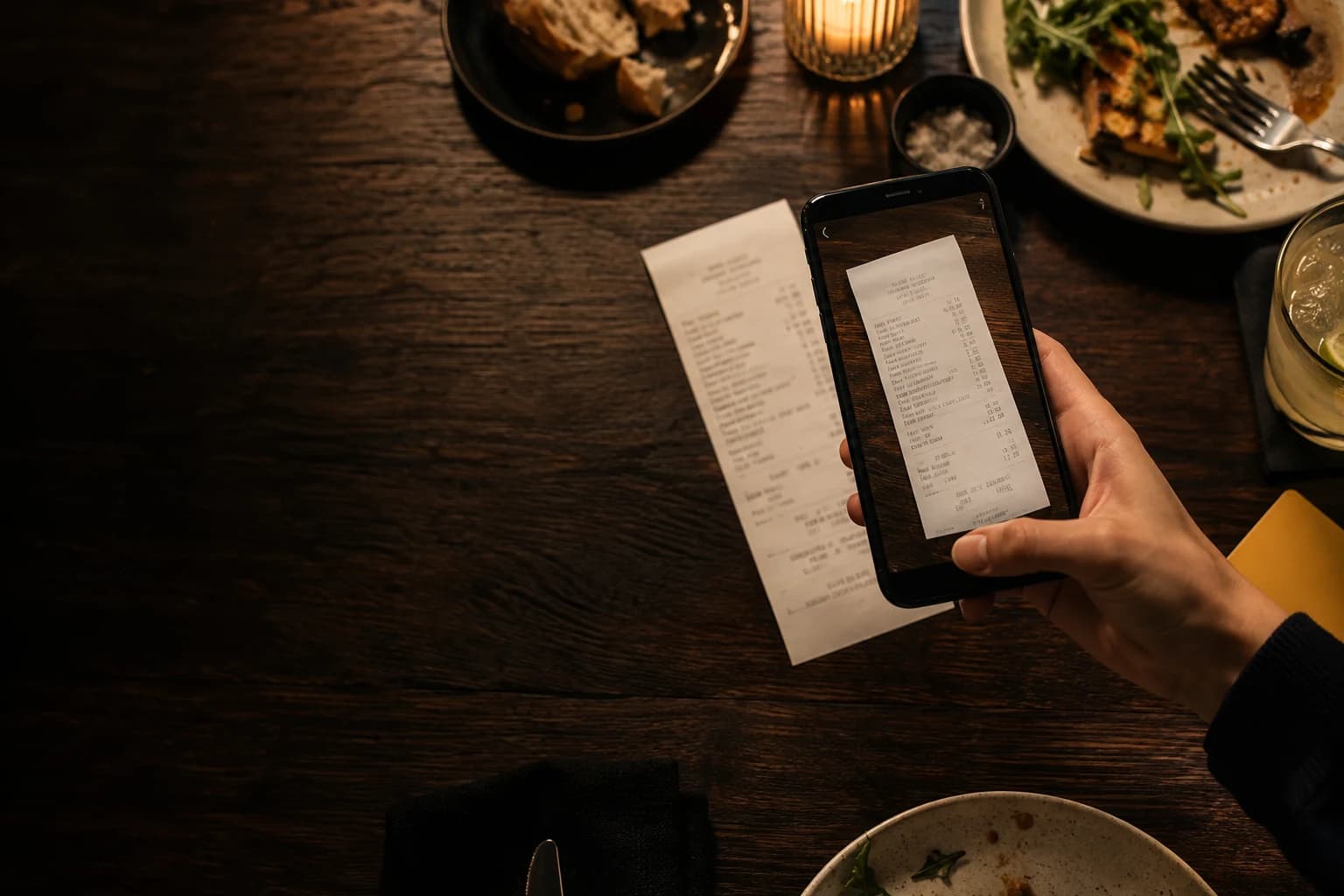
What scanning does
A restaurant receipt can have dozens of abbreviated lines, quantities, discounts and service charges. AI scanning turns the photo into an editable list of items and amounts. Rachou can also identify shared charges and suggest an expense category.
The point is to save typing. Faint print, glare, folds and unusual layouts can all cause mistakes. You still compare the result with the receipt and choose who shares each item.
Take a photo you can read
Place the receipt flat on a contrasting surface. Use even light, avoid your phone's shadow and hold the camera parallel to the paper. Include the edges and keep text and numbers sharp. A large image cannot fix blur or glare.
For a long receipt, take several photos with a little overlap. Then check that an overlapping line was not imported twice. Keep unrelated cards, identity documents and faces out of the photo.
Check the totals first
Compare the subtotal, discounts, service, other charges and final total before checking each item. If the numbers do not add up, look for a missing line, a quantity read as a price or a duplicate charge. Fix that before assigning shares.
Some receipts show both a unit price and a line total; others show only one. Check quantities carefully. Two drinks on one line may need to be assigned to two different people.
Review item names and prices
An abbreviation is fine if everyone understands it, but the price must be right. Rename confusing items, especially similar orders. Check decimal separators, currency and whether a discount has the right sign.
If the receipt includes tax identifiers, a phone number or an address, consider whether the group needs to keep the image afterwards. Event participants may see attachments, so avoid saving unnecessary personal details.
Assign items to the people who had them
Include only the people who consumed each item. Choose the right participants for shared dishes and separate identical units when they went to different people. Use proportional splits, weights or fixed amounts when they reflect an actual agreement.
A service charge can be shared equally or based on spending. An optional tip, an individual cover charge and a delivery fee may need different rules. The app helps with the calculation; the group decides what is fair.
When the scan gets something wrong
Edit it. If the photo is poor, taking a clearer one may be faster than fixing dozens of lines. For a damaged or handwritten receipt, entering the total and using an agreed split may work better than trying to read every item.
Do not use the AI output as proof of what someone ordered. Check the original receipt and the group's agreement. Rachou does not make financial or legal decisions for you.
From the receipt to the group balance
Before saving, confirm the payer, date, participants and category. In an event, the expense joins the group's history and updates its balances. Quick Split gives you the result for that one bill.
Send money outside the app using your agreed method, then record the settle-up. That keeps the history consistent with what actually happened.
Before you save
- The photo is complete, sharp and free of unnecessary personal details.
- Subtotal, charges, discounts and final total match.
- Quantities and prices have been checked.
- Each item has the right participants.
- Payer, date, currency and category are correct.
- Later settle-ups are recorded in the event.
Sometimes typing is quicker
You do not need to scan every expense. A coffee with two items, a toll or a clear single charge can be quicker to enter manually. Scanning helps most with long receipts, different orders or a photo you want the group to review.
Use manual entry when the document is unreadable or handwritten, or when the photo cannot explain the charge. If everyone agreed to share the total equally, recreating every line may add work without changing the result.
Whichever way you enter it, make the same final check: total, currency, payer, date and participants. A short expense entered correctly is better than a detailed scan saved without a look.